Appointment scheduling is the broader process of arranging time between a business and a client. Online booking is a specific way to handle that process by letting clients choose from available services and times on a booking page. In plain terms: scheduling is the job, online booking is one system for doing the job faster, with fewer messages and clearer rules.
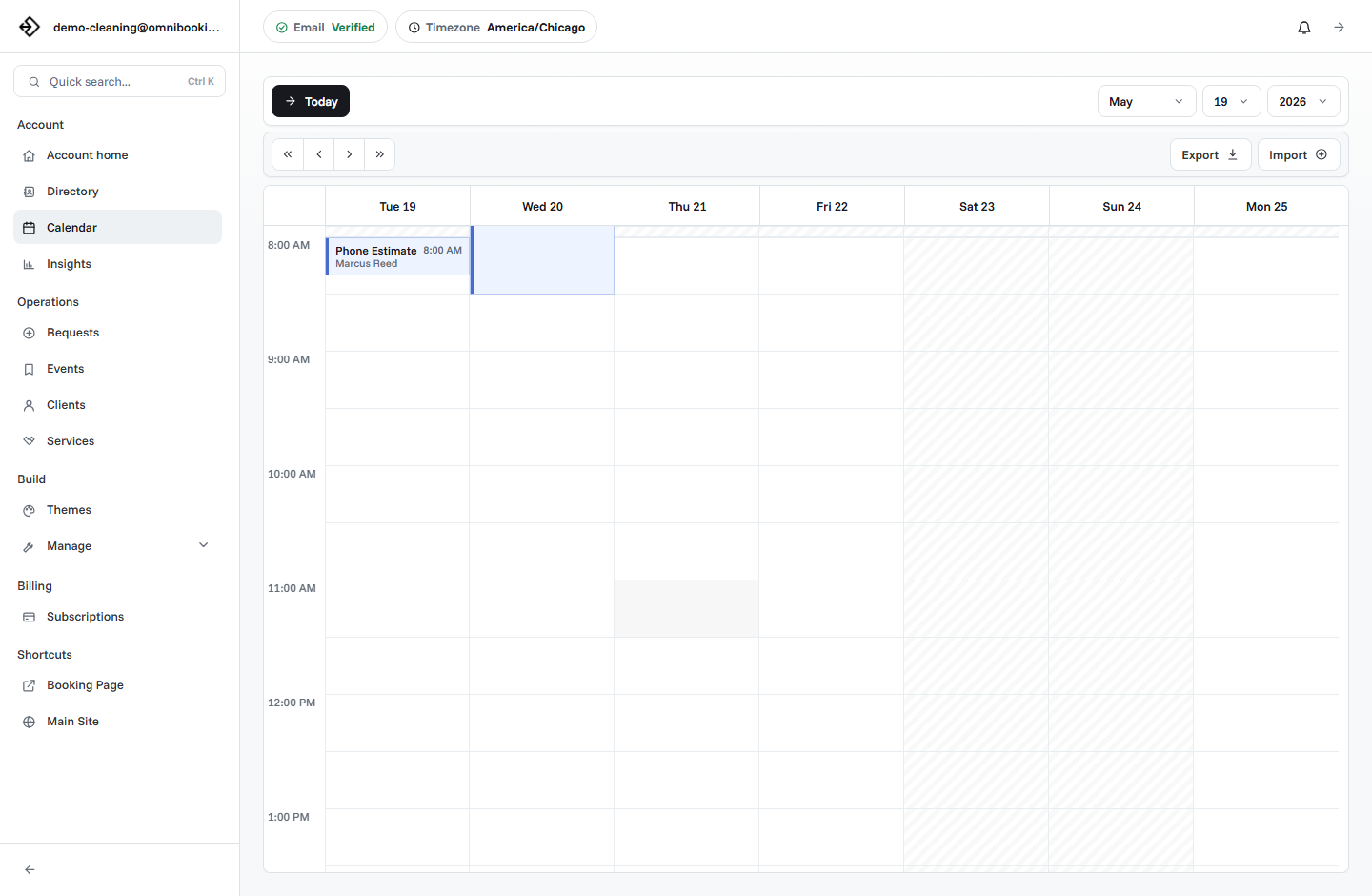
The simple difference
Appointment scheduling includes every task involved in getting an appointment on the calendar: discussing options, checking availability, choosing a time, collecting client details, confirming the booking, sending reminders, and updating the calendar if plans change.
Online booking gives clients a self-serve path for those same steps. Instead of asking "What times do you have available?", the client opens a booking page, chooses a service, selects an available time, enters their details, and submits the booking or request.
Appointment scheduling vs online booking
Why the distinction matters
Many service businesses say they need "scheduling software" when what they really need is a clearer booking workflow. The distinction matters because the right tool depends on where the friction happens.
If you are spending too much time replying to appointment requests, online booking can remove the repetitive part of the conversation. If every job needs a quote, site visit, intake review, or custom preparation, you may still need manual scheduling or a request-based booking flow.
The goal is not to automate everything. The goal is to automate the parts that clients can reasonably handle themselves while keeping human judgment where it actually adds value.
When appointment scheduling works better
Manual appointment scheduling is still useful when the appointment depends on details that cannot be captured by a simple service menu. Contractors, consultants, repair businesses, and custom service providers may need to understand scope before confirming a time.
Custom scope
The job length, price, or required preparation changes heavily from client to client.
Approval needed
The business needs to review the request before committing to the appointment.
Relationship-based work
The first conversation is part of the sales process, qualification process, or service experience.
Even then, scheduling software can still help. A booking page can collect requests, show service information, and organize client details while the owner approves the final appointment.
When online booking works better
Online booking works best when the client can make a confident choice from clear options. If a service has a known duration, a known location type, a normal price or deposit, and predictable availability, it is a strong candidate for online booking.
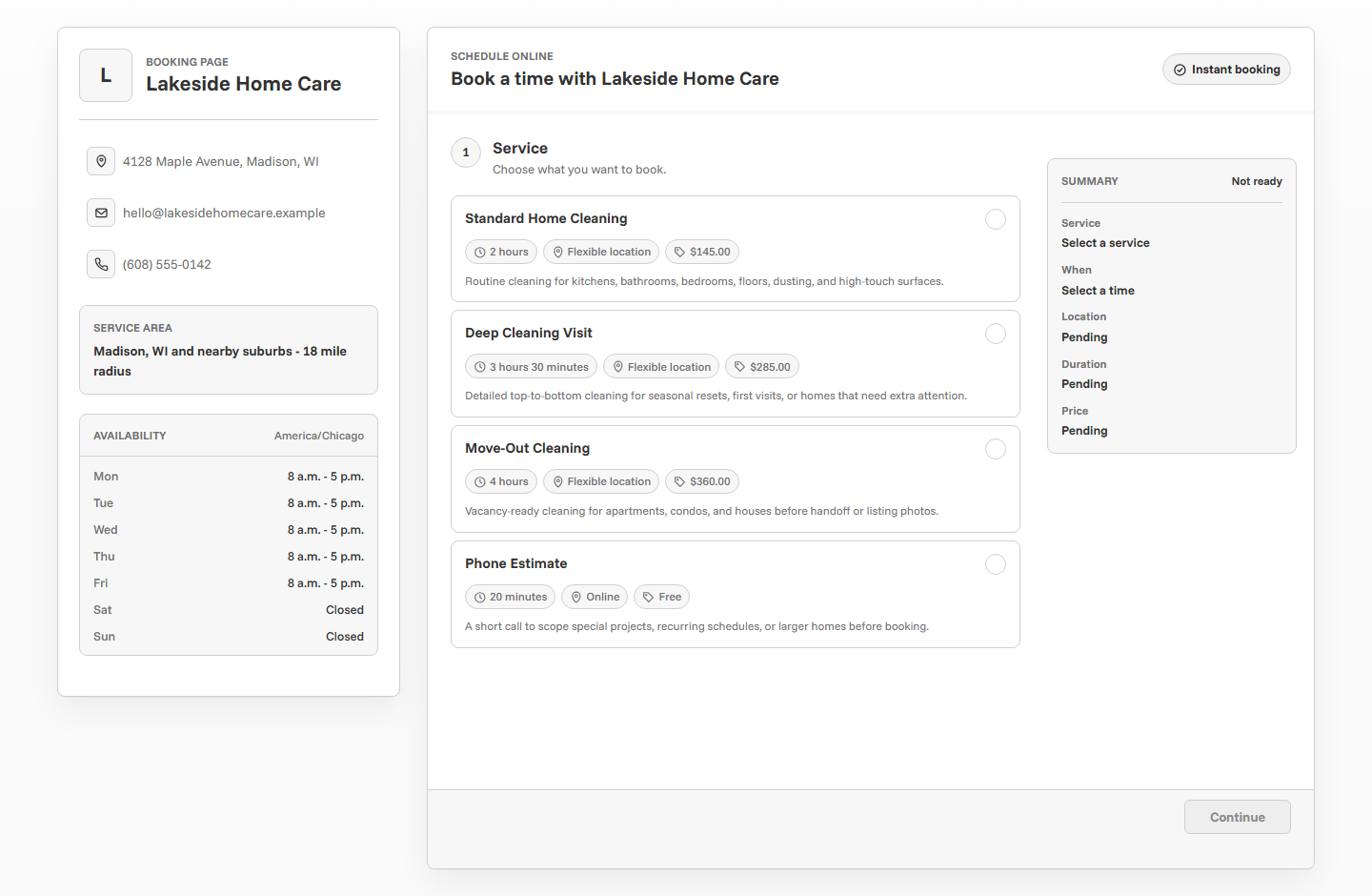
- Clients regularly ask for the same appointment types.
- Service durations are predictable.
- The business has defined working hours.
- The client can choose a time without a pre-call.
- Confirmation and reminder emails would reduce follow-up work.
- Deposits or upfront payments would help protect the appointment slot.
Examples by business type
The same business may use both workflows. A photographer might let clients book mini sessions online but manually schedule large wedding inquiries. A cleaner might offer standard cleanings online but review move-out cleanings first. A tutor might allow trial sessions online but schedule long-term plans after a conversation.
How to choose the right workflow
Start with your most common appointment request. If clients usually ask for the same few services, create a booking page for those services first. If clients usually need advice before choosing, use the booking page for consultations or requests instead of final appointments.
For most small service businesses, the best setup is a hybrid: online booking for repeatable appointments, manual approval for custom work, and clear service descriptions so clients know which path to take.
- List your common requests. Write down the appointments clients ask for most often.
- Separate repeatable from custom. Repeatable services can usually be booked online. Custom services may need review.
- Set realistic availability. Only show times you can actually serve, including breaks and preparation time.
- Decide on confirmation rules. Choose whether bookings confirm automatically or require owner approval.
- Test the client path. Book a sample appointment from your phone and look for confusing steps.
How Omnibooking supports both
Omnibooking is built for service businesses that need a practical booking page and a dashboard for managing the work around it. You can publish services for online booking, set availability, manage clients, review events, and use booking approval when you do not want every request to confirm automatically.
If you are building your first booking flow, start with How to Create a Booking Page That Actually Gets Used. For a broader overview of booking tools, read What Is Online Booking Software?. When you are ready to compare plan limits and features, visit Omnibooking plans or create an account.
Related resources
What Is Online Booking Software?
Use the plain-English overview when you need the broader feature and workflow context.
How to Create a Booking Page
Turn the workflow choice into a public page clients can actually use.
Online Booking Checklist
Review services, availability, reminders, payments, and testing before launch.
Set Booking Availability
Keep online booking useful without exposing time you cannot really serve.
FAQs
Is appointment scheduling the same as online booking?
No. Appointment scheduling is the overall process of arranging time with a client. Online booking is one way to schedule appointments by letting clients choose from available services and times on a booking page.
Do I still need scheduling if I use online booking?
Yes. Online booking handles part of the scheduling process, but you still need to manage availability, confirmations, client details, rescheduling, cancellations, and calendar changes.
Which is better for small service businesses?
Online booking is better for repeatable services with clear durations and availability. Manual appointment scheduling is better for custom work, complex requests, and appointments that need approval before confirmation.
Can I combine online booking with approval?
Yes. A request-based workflow lets clients submit their preferred service and time while the business owner reviews the appointment before confirming it.
What should I put online first?
Start with your most repeatable services: consultations, standard sessions, estimates, classes, cleanings, grooming appointments, or other appointments clients can choose without a long conversation.